

Stay in the know
Community events, local updates, and weather keep you connected to what’s happening around you.
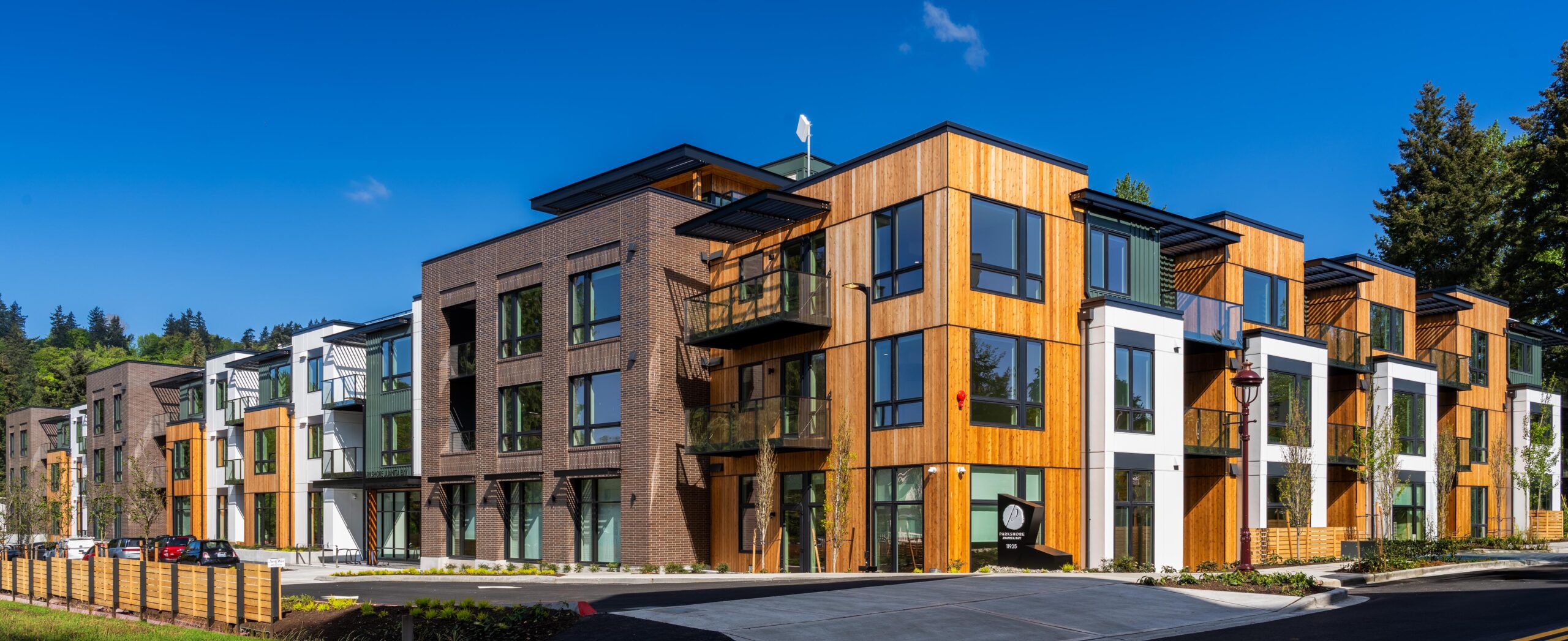
WELCOME TO YOUR CONNECTED COMMUNITY
The people, plans, and little moments that make this place home. Now, easier to connect with—on your computer, your TV, and your phone.
THOUGHTFULLY CONNECTED
At Parkshore, connection is part of everyday life. Your technology amenities bring community information, entertainment, and personal connections closer—so you can spend more time enjoying the things that matter to you.
Check what’s happening. Discover a new interest. Share a family moment. Choose the screen that feels most comfortable.
01 / THE RESIDENT ENGAGEMENT PORTAL
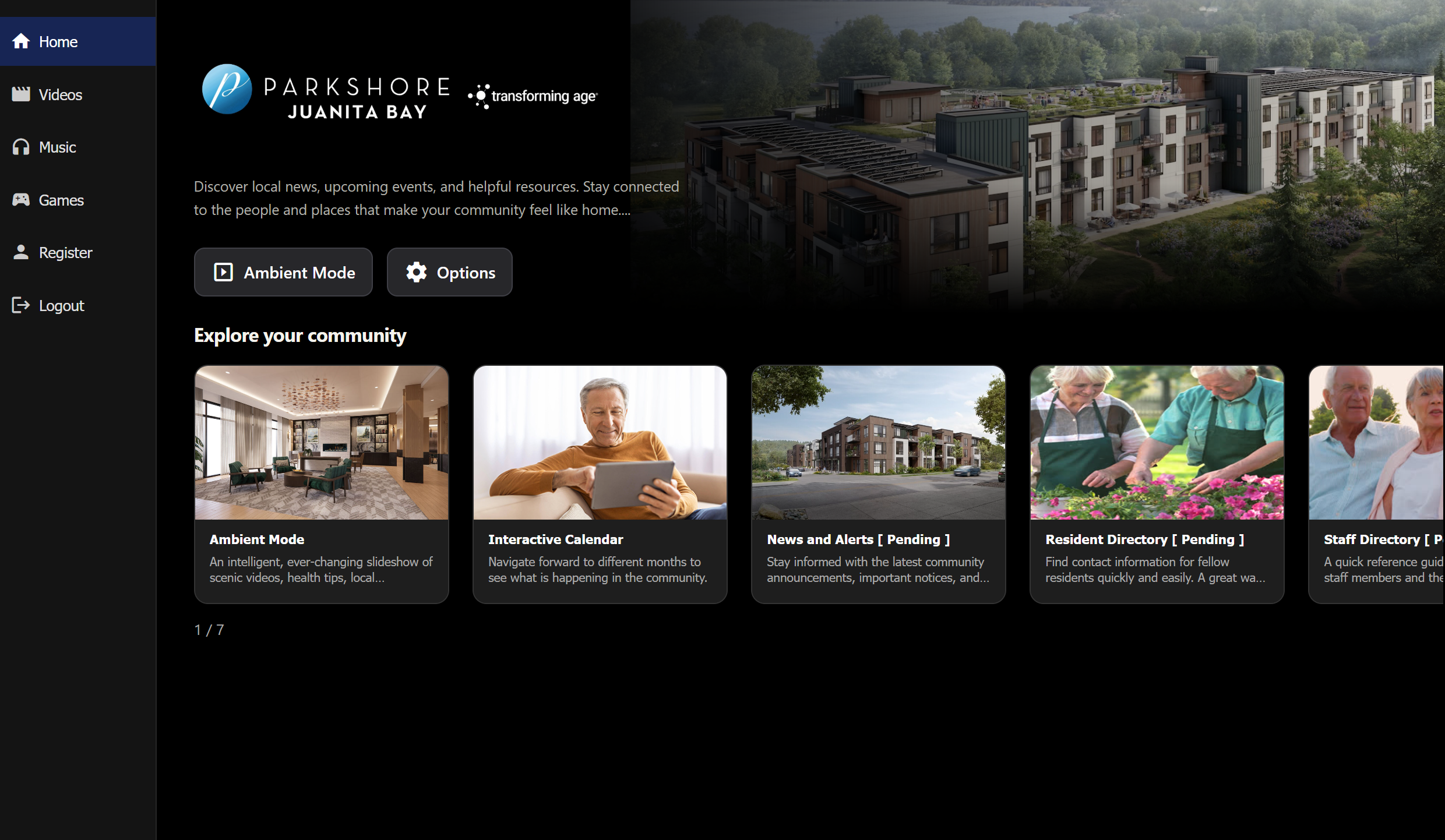
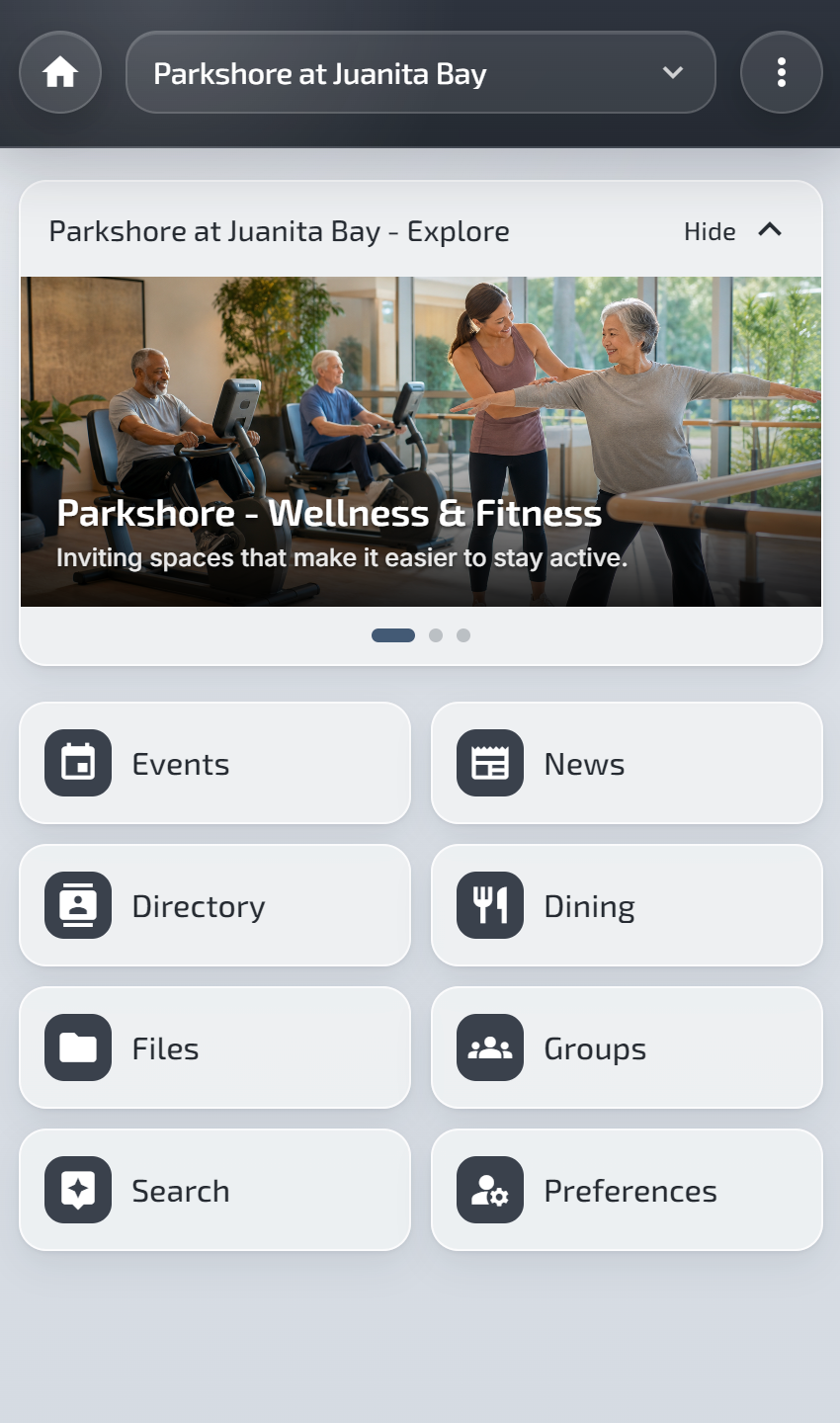
Your own place to keep up with life at Parkshore. Find community announcements, explore the calendar, and reach the resident information you need, all in one convenient place.
Works on your computer, tablet, or phone. No app required.
02 / PARKSHORE TV
Bring community life to the big screen. Parkshore TV combines useful updates with music, hobbies, and games, all from the comfort of home.
Setup details coming soonUse a familiar remote to explore, or let music and community updates play in the background. You choose how to enjoy it.
Learn how to get startedCommunity events, local updates, and weather keep you connected to what’s happening around you.
Enjoy music that suits your tastes, with community updates and a little trivia along the way.
Explore videos organized around interests, from gardening and painting to a new favorite hobby.
Enjoy puzzles, trivia, card games, and other single-player activities at your own pace.
Available features depend on your supported TV or streaming device. Roku supports music and Ambient Mode.
03 / THE PARKSHORE COMPANION APP
The resident portal already works beautifully in your phone’s browser. Native apps for iPhone and Android add more ways to connect your personal life, your community, and your TV.
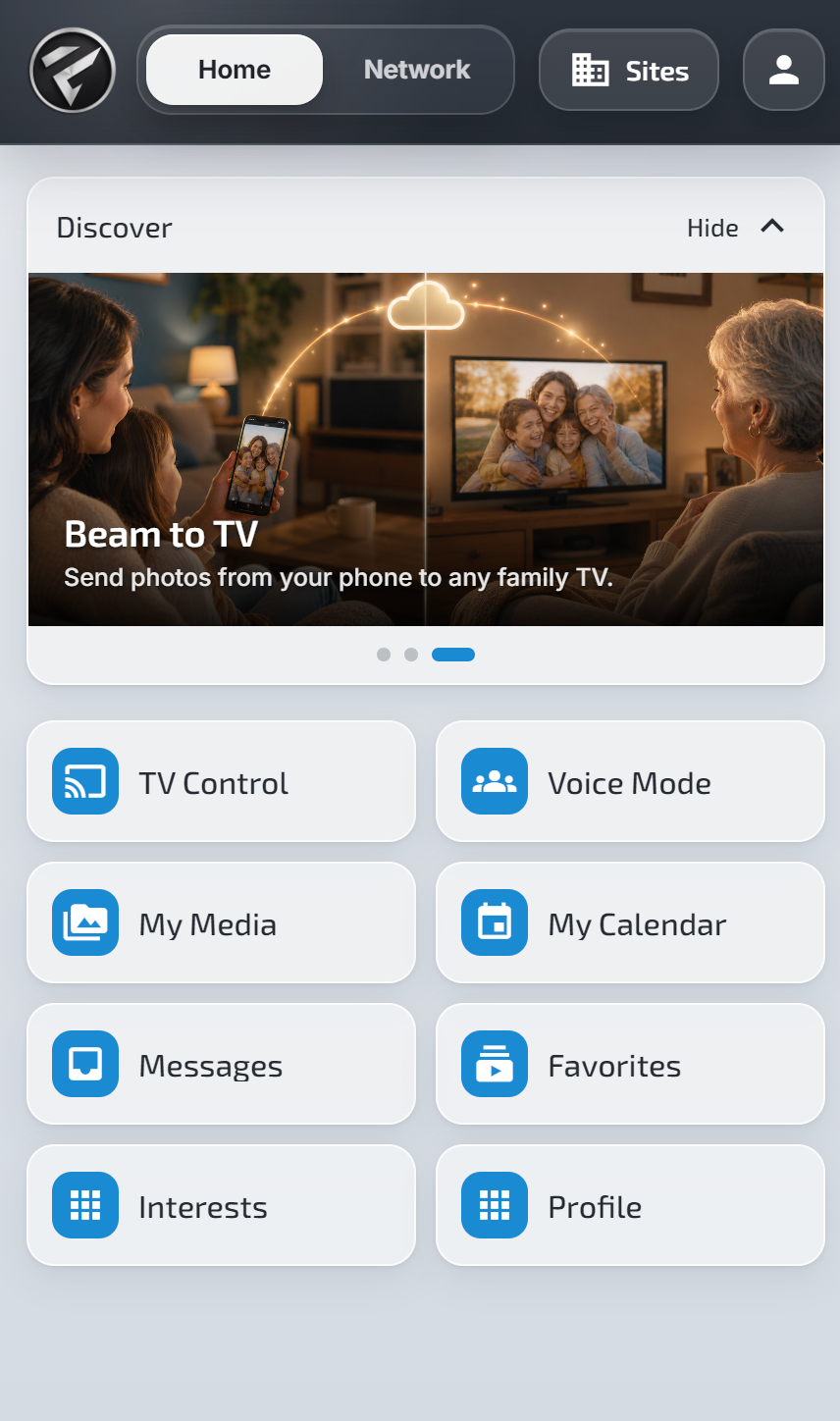
Move between your personal Home, your Network of family and friends, and the communities you belong to in Sites.
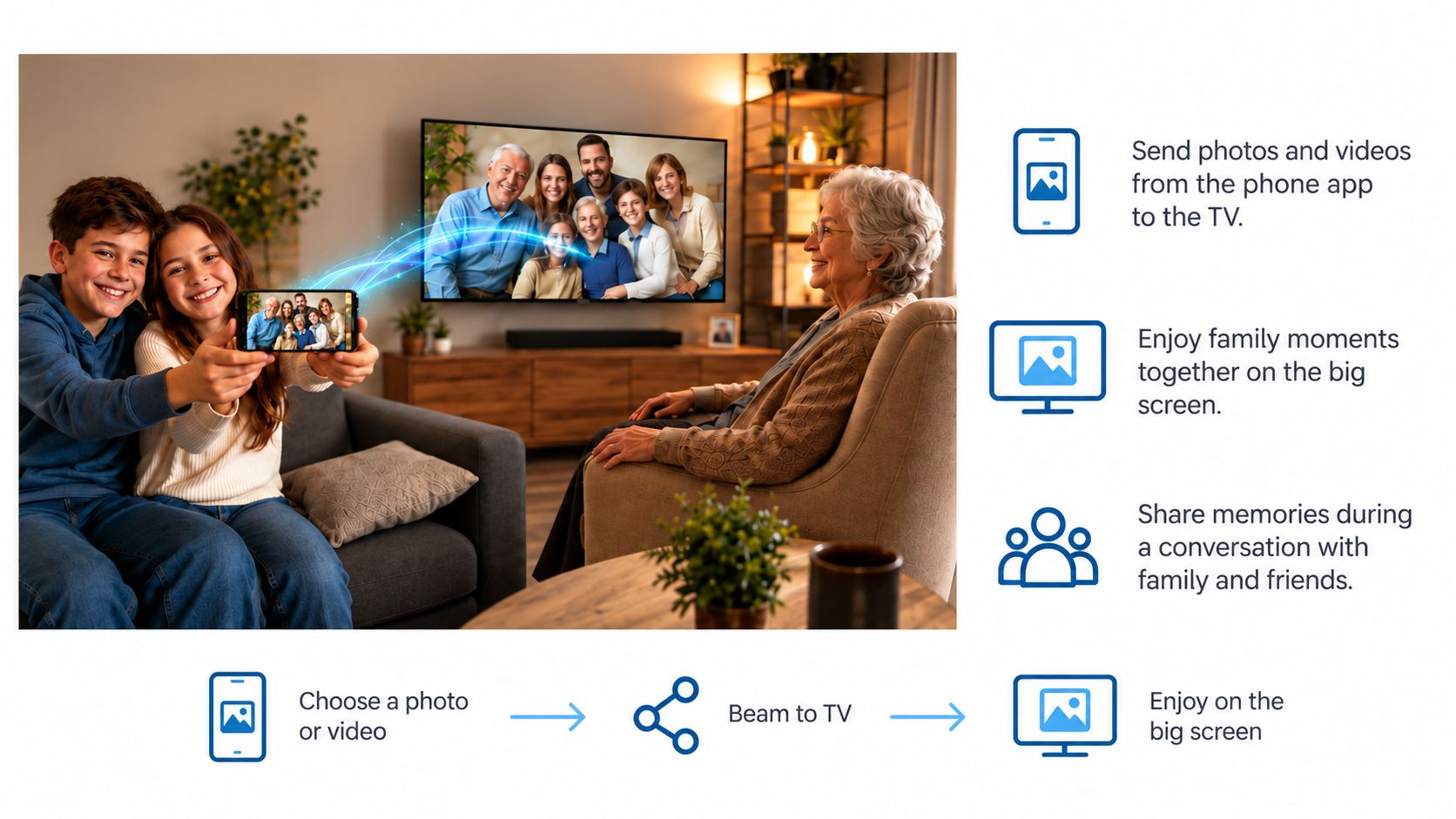
Beam photos and videos from your phone to the TV, and enjoy favorite memories on a larger screen.
Add your photos to an Ambient Mode slideshow with community updates and music. Use Voice Mode for tasks such as TV control and dictating memos.
App download and setup instructions are coming soon.
THE MOMENTS THAT MATTER
A family photo on the TV. Music that makes you smile. An activity that becomes a new friendship. These amenities are here to make everyday life at Parkshore a little richer—and the people you care about feel a little closer.
THROUGHOUT YOUR COMMUNITY
Connection extends beyond your own screen. Across Parkshore, technology supports entertainment, convenience, and a more sustainable place to call home.
Internet and cable are included in your monthly services, keeping entertainment and everyday connections close at hand.
Enjoy favorite films and new releases in the community movie theater, complete with surround sound.
Parking stalls with electric vehicle charging stations bring a useful convenience right to your community.
Rooftop solar panels and rainwater collection are part of Parkshore’s LEED Platinum-certified approach to sustainable living.
MAKE YOURSELF AT HOME
Start with your resident portal. Explore more at your own pace.
Use your resident sign-in to access community information from a computer, tablet, or smartphone.
Resident Sign InCheck announcements, browse the calendar, and keep resident guides close at hand. Bookmark the portal for an easy return.
Watch for Parkshore TV and smartphone app setup instructions in the resident portal. Ask the Parkshore team if you need a hand getting started.
A FEW HELPFUL ANSWERS
No. The resident portal is designed to work in your web browser on a computer, tablet, or smartphone. The native smartphone apps add companion features such as sharing photos to your TV and Voice Mode.
Parkshore TV setup information is coming soon in the resident portal. The experience uses supported smart TVs and streaming devices with a familiar remote. Check the setup guidance for your device; features vary by platform.
Download links and installation instructions are coming soon in the resident portal. In the meantime, you can sign in to the portal directly from your phone’s browser.
Start with the Resident Sign In link. If you need help with your account or getting connected, reach out to the Parkshore team for assistance.
YOUR COMMUNITY IS RIGHT HERE
Click anywhere to close. You can also press Escape.